
Let Cadly manufacture & sell it for you — completely free.
Upload your idea and tap into Cadly’s crowd-sourced designers and makers today.
Introduction
Have you ever had an idea for a product, a design, or a concept, but didn’t know how to bring it to life? You’re certainly not alone. In the dynamic world we live in, where innovation drives progress, turning your abstract ideas into tangible reality can often feel like a daunting task. The advent of 3D modeling and printing, however, has revolutionized this process, making it easier than ever to convert your imaginative visions into real-life products.
At Cadly, we’ve worked closely with a plethora of creators, manufacturers, and product developers, and have watched as 3D modeling reshapes the industry. We’ve seen countless creators struggle with the gap between ideation and creation, not knowing how to go from a simple sketch to a product prototype. This guide aims to demystify that process, showing how 3D modeling is not just a tool for engineers or industrial designers, but an accessible pathway for anyone with an idea to bring their vision to life.
In this comprehensive guide, we’ll walk you through the process of creating 3D models for your ideas. Whether you’re completely new to the world of 3D modeling or an old hat looking for fresh perspectives, we’ll cover everything from the basics to advanced techniques. More importantly, we’ll share insights on what many get wrong about this journey and how you can avoid those pitfalls.
TL;DR
- Understand the basics of 3D modeling and how it can be applied across various disciplines.
- Learn the step-by-step process of transforming your idea into a 3D model.
- Discover freelance marketplaces for sourcing 3D modeling services.
- Explore how you can upload your design to get a 3D printable model efficiently.
- Gain insights from Cadly’s experience in the innovation space.
Understanding the Basics
3D modeling is the creation of a digital representation of any three-dimensional object using specialized computer software. This process is fundamental for various industries, including product design, architecture, and even video games. The tool that transforms the concept to reality involves creating geometries—combinations of points, lines, and polygons in a virtual space.
The software options are plenty. Popular choices such as Blender, Autodesk Maya, and SketchUp serve different needs. Each has unique capabilities, allowing users to choose based on the complexity and scale of their projects. For instance, Blender is celebrated for its comprehensive toolkit and open-source nature, making it a favorite among freelancers, while Autodesk Maya offers advanced simulation and rendering capabilities, ideal for larger and more detailed projects.
3D modeling finds applications in a myriad of arenas. In architecture, it helps in visualizing complex structures much before they are physically constructed. For product design, it streamlines the prototyping process, offering a clear vision of the end product. By the time you conclude this section, you’ll have a concrete understanding of the foundational concepts of 3D modeling and appreciate how diverse its uses are across different fields.
Turning Your Idea into a 3D Model
One common inquiry creators have is: “How can I get a 3D model created for my idea?” This process starts with a clear conceptualization of your idea. A detailed discussion or storyboard can help outline your concept effectively. Next, you will move to design, where the role of 3D modeling software becomes pivotal. It helps in translating your idea into a visually interactive model. Following this, your model undergoes rendering, a phase that enhances the visual appeal by adding textures, lighting, and shadows.
Practical guidance is crucial here. Begin by choosing the right software fitting your project’s specific needs. SketchUp, for example, is beginner-friendly, offering simplicity for straightforward designs. Whereas, complex projects might benefit more from Autodesk Fusion 360, especially for precision and engineering purposes.
Throughout this journey, creators struggle with jumping straight to modeling without clear planning, often resulting in excessive time loss and revisions. Experienced designers always recommend starting with sketches and brainstorming sessions and maintaining flexibility to adapt designs during digital creation.
By the end of this section, you will have a well-rounded understanding of how to translate your idea into a 3D model and feel equipped to undertake your modeling project.
Freelance Marketplaces for 3D Modeling Services
Is there a marketplace where I can find help to create a 3D model for my idea? Absolutely, several freelance marketplaces can connect you with skilled 3D modelers. Platforms like Upwork, Fiverr, and Freelancer are treasure troves for finding talent tailored to your specific needs.
To effectively leverage these services, craft a comprehensive project brief. This document should detail your end goal, provide sketches or references, outline desired timelines, and include budget considerations. By doing so, you not only attract quality talent but also streamline the collaboration process.
Negotiation and clear communication are key. When choosing a freelancer, review past work and client feedback, ensuring alignment between their expertise and your project needs. This approach prevents a common pitfall: mismatching skill levels with project complexity, which can lead to frustrating delays.
After exploring this section, you’ll have the knowledge to adeptly navigate freelance marketplaces, ensuring you find the perfect fit for your project needs.
Uploading Your Idea to a Service and Getting a 3D Printable Model
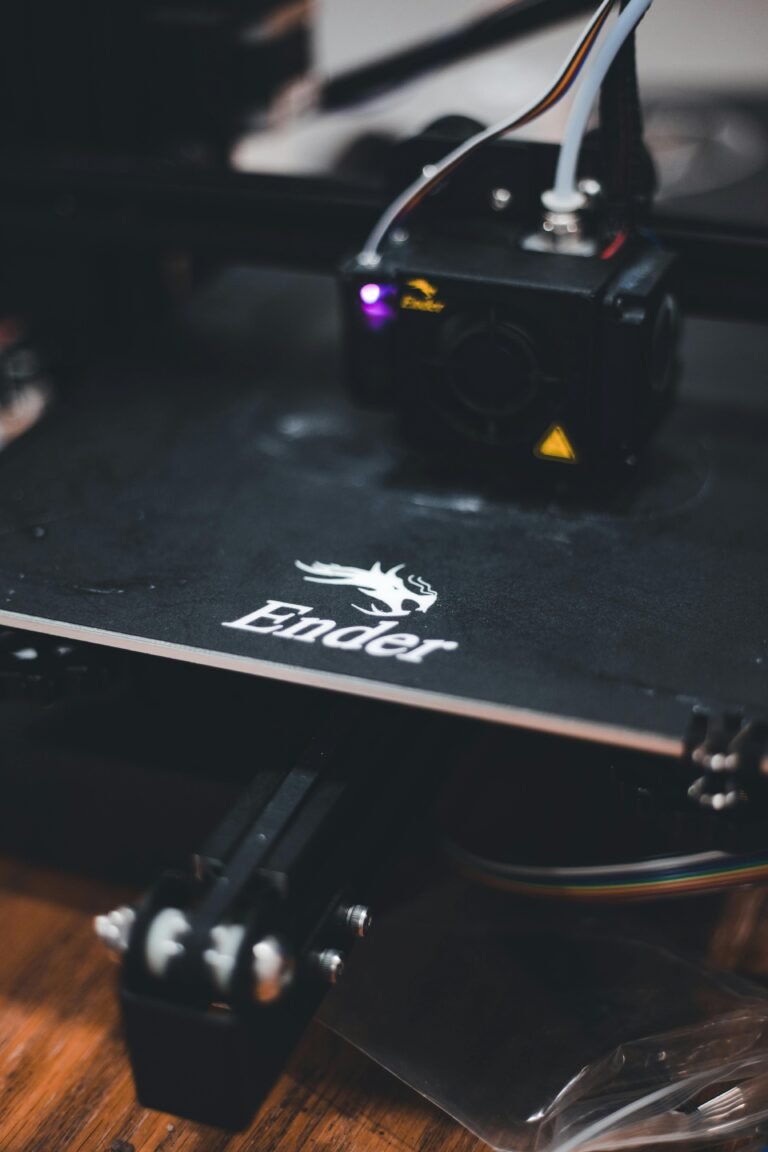
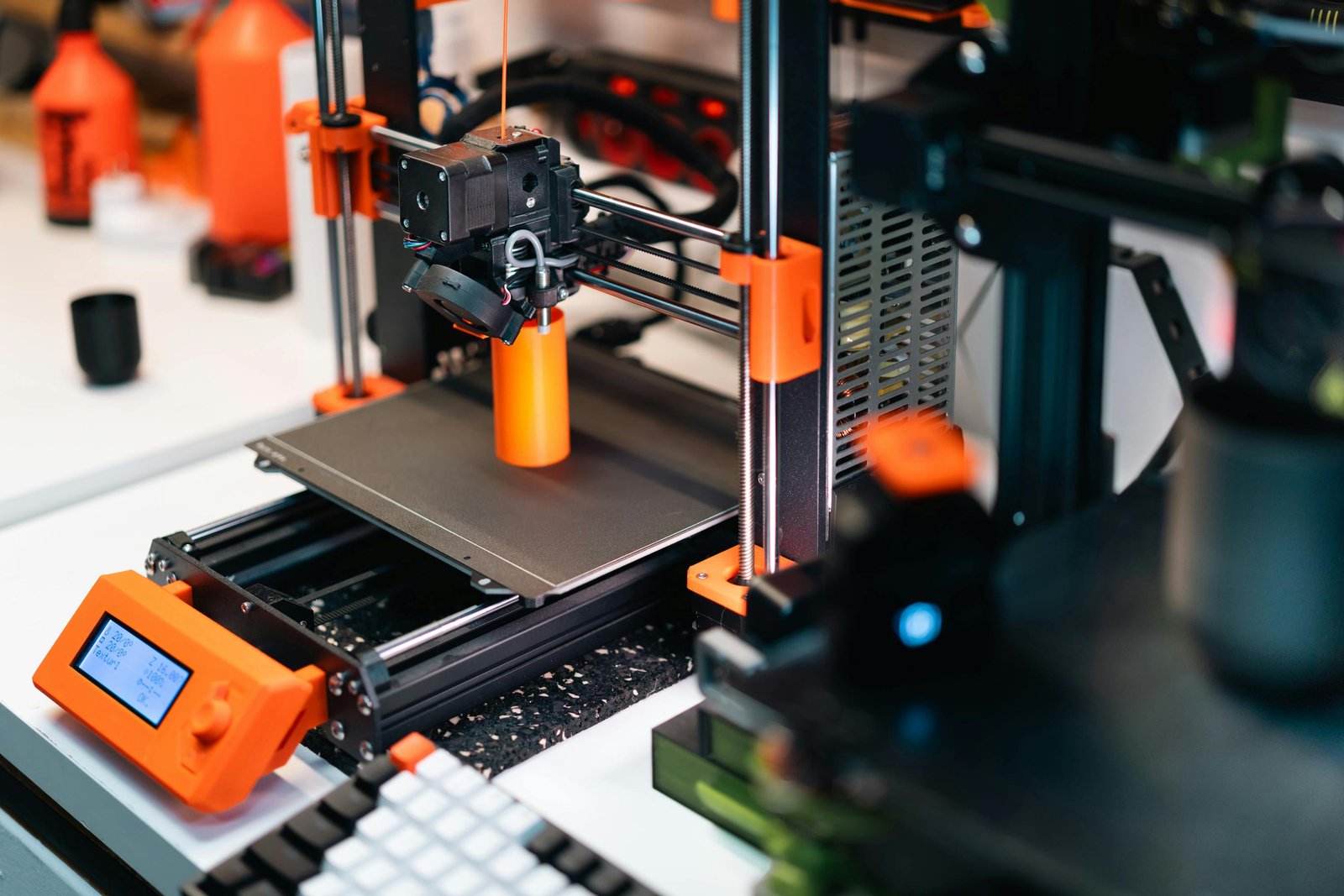
If you’ve ever wondered, “Can I upload my idea to a service and get a 3D printable model?” the answer is a resounding yes. Services like Shapeways and 3D Hubs facilitate turning digital designs into physical models.
Initially, ensure your model is print-ready. This involves checking for errors, ensuring all parts are connected or fused, and that the design adheres to specific material thicknesses. Software tools like Cura or Netfabb offer help in preparing and optimizing your design for printing.
Next, choose a service that aligns with your quality and budget expectations. Each platform offers unique materials and finishes, whose choices impact the final product’s look and feel. Through these services, you can bypass traditional manufacturing constraints, leveraging direct-to-order production advantage.
After this exploration, you’ll find confidence in selecting a service to bring your ideas to life in a tangible, physical form, ready for market or personal use.
Conclusion
In wrapping up, understanding how to navigate the interconnected world of 3D modeling and printing empowers you to transform ideas into reality efficiently. The journey from conception to production involves understanding essential technologies, utilizing freelance platforms, and selecting suitable 3D printing services.
At Cadly, our mission is to democratize manufacturing and product development. Whether you’re a seasoned innovator or just someone with a creative spark, using tools like Cadly makes your product journey smoother. You can start building on Cadly.AI and turn your concept into a product without massive upfront investments.
How can you not feel inspired by the endless possibilities 3D modeling and printing present?
Let Cadly manufacture & sell it for you — completely free.
Upload your idea and tap into Cadly’s crowd-sourced designers and makers today.